
Inside Draft Your Digital Slopers: What You Get and Whether It’s Your Next Step

Ready to build your own digital sloper library? Here’s exactly what’s inside Draft Your Digital Slopers, how it works in CLO3D, Illustrator or Affinity, and how to tell if it’s the right next step for you.
What Becomes Possible Once You Have Your Own Digital Sloper
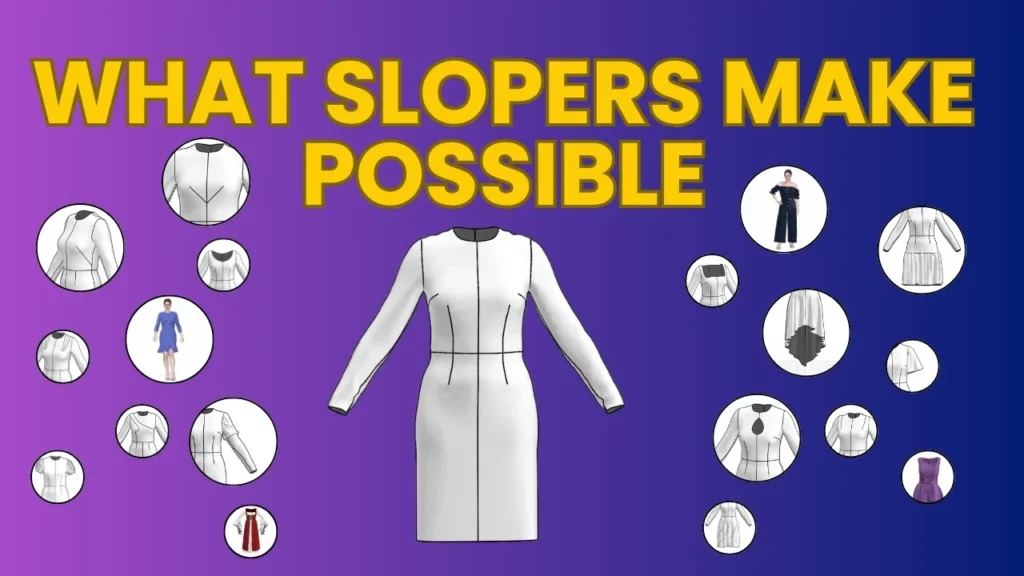
I almost never start a garment from scratch. I open my digital sloper, already fitted to my body, and start designing. Here’s what changes once you have your own sloper library.
3 Mistakes That Keep You From Drafting Your Digital Slopers (Before You Even Open the Software)
Been meaning to draft your slopers digitally for months, or years? The biggest mistakes happen before you ever open the software. Here are the three I see most, and how to get past them.
Your Digital Sloper Roadmap: Which Slopers, Which Program and Where to Start
Ready to go digital but not sure where to start? Here’s the full roadmap: which slopers to draft, how to choose between CLO3D and Illustrator, and what the process looks like from measurements to finished sloper.
Why Going Digital Feels So Hard (and Why Your Paper Pattern Skills Still Matter)
Switching from hand drafting to digital and feel like you’re starting from zero? You’re not. Here’s why it feels so hard, and how your paper pattern making skills carry over to the screen.
The Pattern Drafting Rulers I Actually Use (and Which Ones You Really Need)
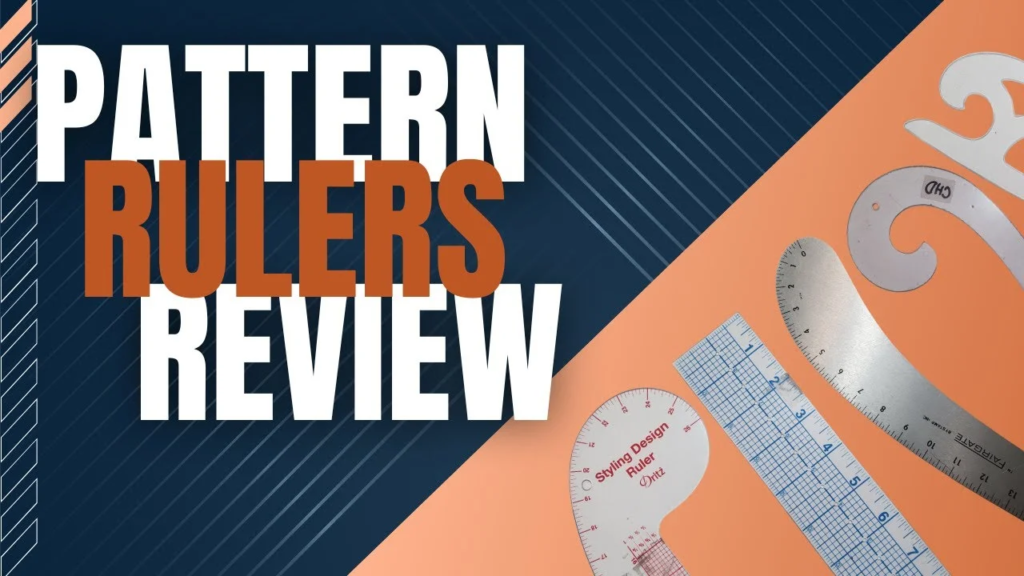
A pattern maker’s guide to drafting rulers: the clear 18″ ruler, hip curve, armhole curve, French curves, L square, and more, plus which ones to buy first.
How to Make a Bubble Skirt: Draft the Pattern and Sew the Bubble Hem
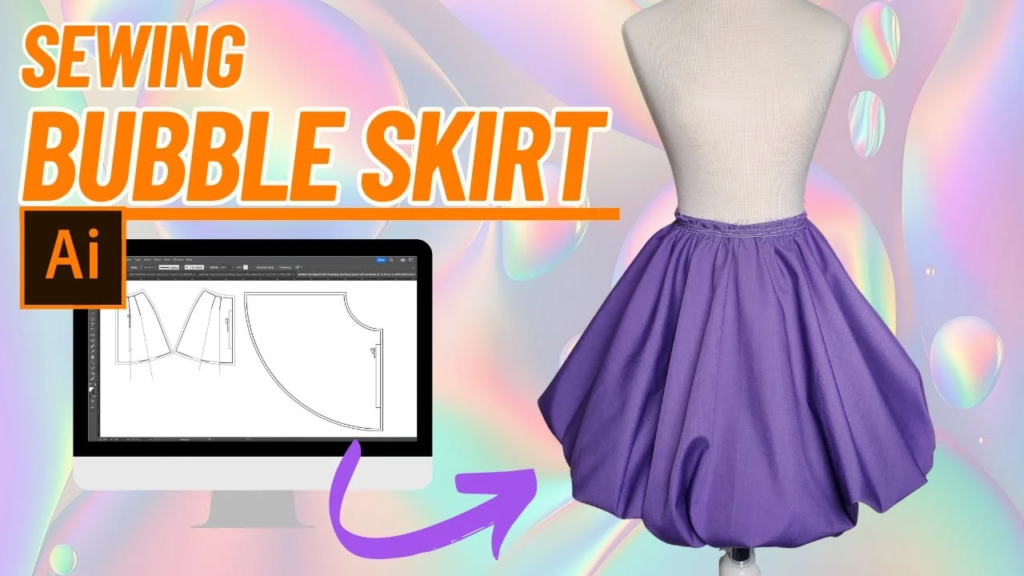
How a bubble skirt works, how to draft one in Adobe Illustrator, and how to sew the bubble hem step by step, with tips for making it fuller.
How to Sew a Hooded Cape: Step-by-Step Caroling Cape Tutorial
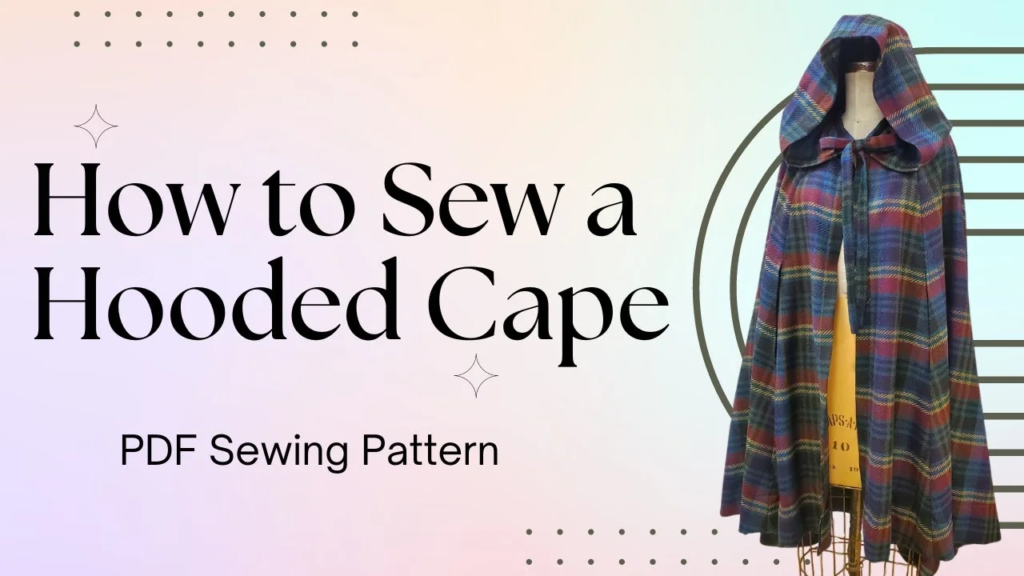
Learn how to sew a hooded cape with arm slits, a gathered hood, and tie closure. Step-by-step tutorial with fabric amounts, seam allowances, and tips.
How to Grade a Sewing Pattern in Adobe Illustrator (Step by Step)
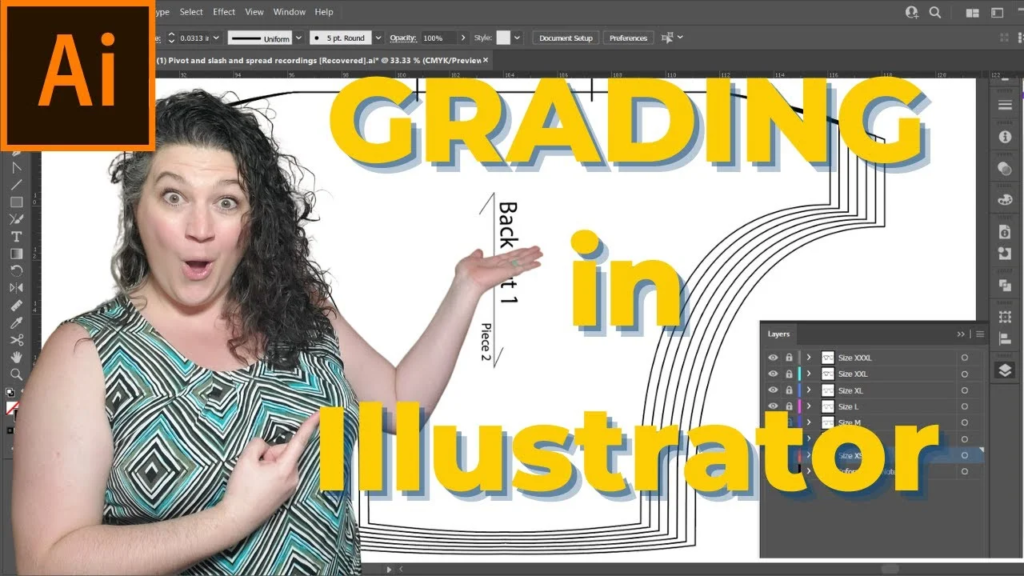
Grade one pattern into multiple sizes in Adobe Illustrator using layers and Transform Move. Step-by-step tutorial with tips for clean, accurate grading.