Have you ever opened CLO3D, Illustrator, or Affinity Designer, stared at the screen, and thought, “What am I even doing right now?”
You are not alone, and you are not behind.
I spent over 20 years as a theater costume pattern maker before I went digital, and I still remember feeling like a complete beginner all over again. This guide is everything I wish someone had handed me at the start: what digital pattern making actually is, why it feels so hard, which software to pick, and a clear path to follow.
Bookmark it. I’ll keep adding to it as I write more posts for each step.
The short version
→ Digital pattern making is drafting sewing patterns on a computer instead of on paper, using software like CLO3D, Adobe Illustrator, or Affinity Designer.
→ The software doesn’t replace your pattern making skills. It’s just a new pencil.
→ It feels hard because you’re learning a new tool and a skill at the same time, and most tutorials don’t follow a clear path.
→ You don’t need to learn everything before you start. Pick one program, learn the few tools you need, and make something.
→ A good path: pick your software, learn the core tools, draft your slopers, design from them, check the fit, print or project, then grade and sell if you want to.
What is digital pattern making?
Digital pattern making is drafting, altering, and finishing sewing patterns in software instead of with paper, pencil, and rulers.
You still use the same pattern making knowledge: where the shaping goes, how to balance a pattern, ease, grainlines, seam allowance. The computer doesn’t know any of that. What it does really well is remove friction. It helps you smooth curves, mirror pieces, compare measurements, true up seams, and try a variation without starting over.
That changes your relationship with experimenting. On paper, every change can feel permanent (and if you’ve cut the pattern apart, it is!). Digitally, you can move a line, compare two versions, and go back if you don’t like it. That freedom usually leads to more curiosity, not less skill.
Tools don’t replace skill. They reveal it.
Why digital pattern making feels so hard
If you’ve tried and felt overwhelmed, there are real reasons for that, and none of them are “you’re not smart enough.”
1. Some of the software wasn’t made for pattern making. Illustrator and Affinity Designer are graphic design programs. Even some pattern software wasn’t built with beginners in mind. So when you open it, there are menus and tools everywhere and nothing makes sense. That’s not you failing. That’s the software not being built for you.
2. The learning content is all over the place. There’s no single clear path. Advanced tutorials are mixed in with beginner ones and half-explained ones, and some teach techniques that don’t apply to what you want to make. It’s like learning to cook from random videos all over the internet.
3. You’re learning the tool and the skill at the same time. Pattern making is the skill. The software is the tool. Learning both from scratch at once is a lot for your brain. That’s not a confidence problem. It’s a load problem, and nobody tells you that.
I go deeper on this in Why Going Digital Feels So Hard (and Why Your Paper Pattern Skills Still Matter).
The mindset mistake that keeps people stuck
I see this one over and over, and it keeps people stuck for months or even years:
“I need to learn everything before I can start.”
Every tutorial. Every tool. Illustrator and CLO3D. It feels responsible, and it feels like progress. But honestly? It’s procrastinating with extra steps. I’ve been there. I watched tutorial after tutorial before I even downloaded the software.
You don’t need to know everything. You just need enough to take the next step toward what you want to make. Learning happens by doing.
Think of digital pattern making as a series of small skills stacked on top of each other, not a mountain you have to climb all at once. Learn one tool today. Use it tomorrow. Add another next week. Before you know it, you have a workflow that’s yours.
Do you need to know pattern drafting first?
You need less than you think, and you probably already have more than you realize.
If you sew, you already understand garment construction. You can see fit, ease, grainlines, and seam allowance. That knowledge doesn’t disappear when you go digital. It becomes your superpower.
The real difference between a sewist and a pattern maker isn’t talent or math skills. It’s perspective. Sewists are taught to follow the pattern. Pattern makers keep asking questions: Why is this seam here? Where is the shaping happening? Where is this fullness coming from? What would happen if I moved this line?
The moment you start asking those questions, you’re already thinking like a pattern maker. Curiosity is enough to start.
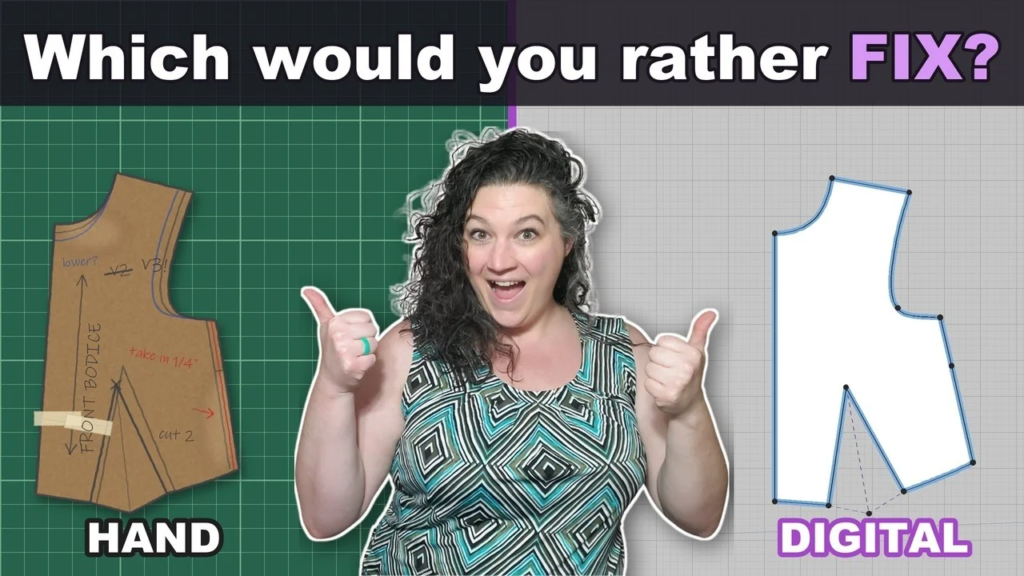
Wondering whether to learn by hand first, or which way fits your business? Read Hand vs Digital Pattern Making: Which Should You Start With?
Which software should you start with?
There isn’t one right answer. It depends on what you want to make and how you like to work. Here’s how I think about the main options:
→ CLO3D lets you draft in 2D and sew the garment onto a 3D avatar, so you can see how it drapes and check the fit with stress and strain maps before you ever cut fabric. It’s the one I use the most.
→ Adobe Illustrator is a graphic design program, but it’s great for flat 2D drafting, grading, and getting patterns ready to print or project.
→ Affinity Designer is another vector design program that works a lot like Illustrator for 2D drafting.
→ Seamly2D is free pattern making software, built specifically for drafting.
My advice: pick one and start. You can always add another program later. Plenty of pattern makers (me included) use CLO3D and Illustrator together.
Not sure which fits you? My free Digital Pattern Making Starter Pack compares CLO3D, Illustrator, Affinity, and Seamly2D side by side.
Your step-by-step path
Here’s the order I recommend, with posts to help you at each step.
Step 1: Pick your program and learn the core tools
Don’t try to learn every menu. Learn the handful of tools you’ll use every time you draft. Keyboard shortcuts help a ton:
→ Free CLO3D key commands
→ Free Illustrator key commands for patterning
→ Affinity Designer for pattern making: the Node tool
If you’re starting with CLO3D, my free CLO3D Beginner Roadmap shows you exactly what to learn first.
New to CLO3D? Read CLO3D for Beginners: How to Start Learning CLO3D (Without the Overwhelm).
Step 2: Draft your slopers
Slopers (also called basic blocks) are the foundation of everything you’ll draft. Once you have slopers that fit, every design starts from a pattern you already trust.
→ Your Digital Sloper Roadmap: which slopers, which program, and where to start
→ 3 mistakes that keep you from drafting your digital slopers
→ What becomes possible once you have your own digital sloper
Step 3: Turn your slopers into designs
This is the fun part. Start with small design changes and build up.
→ How to draft a 3-tier flutter sleeve in CLO3D
→ How to make wedge pleats in CLO3D
→ How to put a zipper behind the fabric in CLO3D
→ How to attach fabric to a linear measurement in CLO3D
→ How to make a bubble skirt in Illustrator
Step 4: Print or project your pattern and sew it
A pattern isn’t finished until you’ve sewn it. Digital patterns can be printed on a home printer or projected right onto your fabric.
→ How I print and project my CLO3D patterns for real garments
Step 5: Grade and sell (if you want to)
Once a pattern fits and sews up well, you can grade it into a full size range and sell it.
→ How to grade a sewing pattern in Adobe Illustrator
→ How to start selling your own sewing patterns: my 7-step roadmap
→ Etsy’s AI pattern ban and the new photo rule
Quick answers to common questions
Drafting, altering, and finishing sewing patterns in software like CLO3D, Adobe Illustrator, or Affinity Designer instead of on paper. You use the same pattern making knowledge. The software just makes it faster to smooth curves, compare versions, and make changes.
It depends on what you want to make. CLO3D lets you see your pattern sewn on a 3D avatar and check the fit before you cut fabric. Illustrator and Affinity Designer are great for 2D drafting and getting patterns ready to print. Seamly2D is a free option built for pattern making. Pick one and start.
No, but it helps. If you sew, you already understand construction, fit, ease, and grainlines, and all of that carries over. You’ll learn the pattern making thinking and the software side by side.
It can feel overwhelming at first, mostly because you’re learning a new tool and pattern making skills at the same time, and tutorials jump around. Following a clear path and learning a few tools at a time makes it much more manageable.
No. That’s the mistake that keeps most people stuck. Learn enough to take your next step, then make something. You learn by doing, not by watching.
Yes. Once your pattern fits and has been sewn and tested, you can grade it into a size range and sell it as a PDF or projector file.
Where to go next
If you want a clear place to start, grab my free CLO3D Beginner Roadmap. It tells you exactly what to learn first, so you can stop guessing and start making progress.
When you’re ready for guided, step-by-step help, my CLO3D Quick Start course is the step-by-step way to get going in CLO3D. And you can browse all of my free resources for more guides and cheat sheets.
You already have the hardest part done. You know how garments work. The software is just a new pencil.
Happy patterning,
Christina